

Extension Blocked
Overview
Admins of district-managed browsers can block extensions in the Chrome Web Store. Fear not, there is also a process to get them unblocked, and we are here to help!
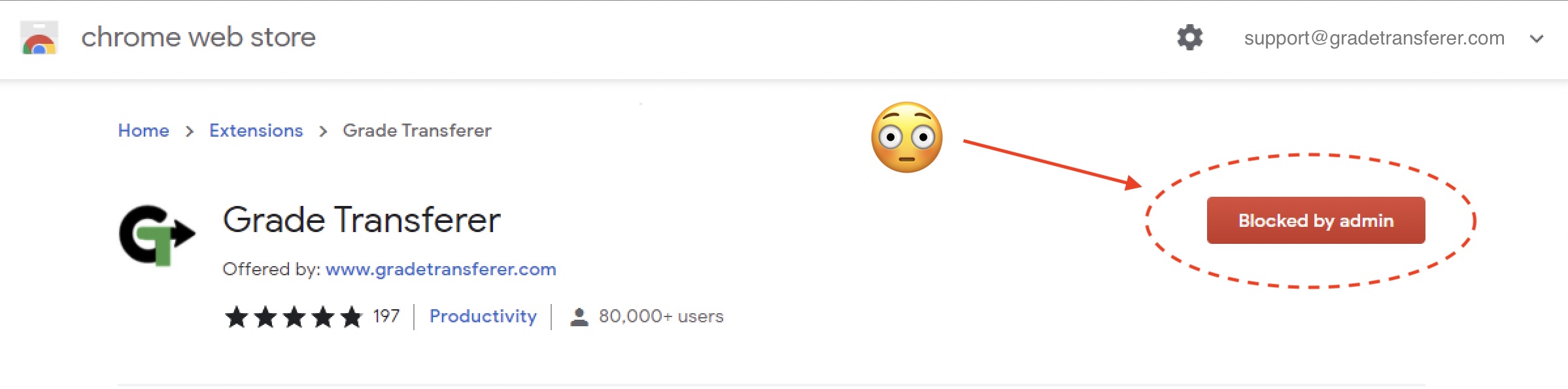
'Extension Blocked' Solutions
When the GradeTransferer extension is blocked by your organization, we recommend the following solutions...
Ask your technology department to unblock GradeTransferer. They can do so by adding GradeTransferer's Chrome Web Store (id: boapjdphamdkfjfdibbdpcemcdncfhjf) to their whitelist of extensions in the G Suite Admin panel. If they have any questions or concerns, have them submit a support ticket and we will be more than happy to assist them. They can also review our Privacy & Data Policies.
Note: If your access is through a school or district service plan, this is the only solution. If your access is through a personal subscription and you are not able to resolve the issue with your admin, keep reading for alternate solutions.
Use a different Chrome profile in your browser. Click your avatar (user image) in the top right of the Chrome toolbar and sign in under a non-district-managed account, such as a personal email. Your GradeTransferer and gradebook logins do not need to match the Chrome Profile that you use the service with.
Use the Microsoft Edge browser instead of Chrome, where admin policies are often different. This article will walk you through how to add GradeTransferer to Edge.


